Daily · Article 03 · 3 min read
- OpenAI
ChatGPT Wallet starts rolling out in the US. What happens after you approve?
OpenAI announcement dated November 13 · coverage confirmed November 14 JST
Summary
OpenAI is rolling out agent-assisted payment to some US Pro accounts. Saving a card, approving one purchase and getting a confirmed order are separate steps.
Key facts
OpenAI announced the rollout of ChatGPT Wallet on November 13. Wallet is a way for a dot, ChatGPT’s personal AI assistant, to finish paying for an online purchase. Initial access is for eligible ChatGPT Pro subscribers aged 18 or older who live in the US and have a supported US-issued credit card with a US billing address. OpenAI’s help page says Wallet currently works in dot conversations. Announcement · Eligibility

1. Save a card once, then approve each purchase
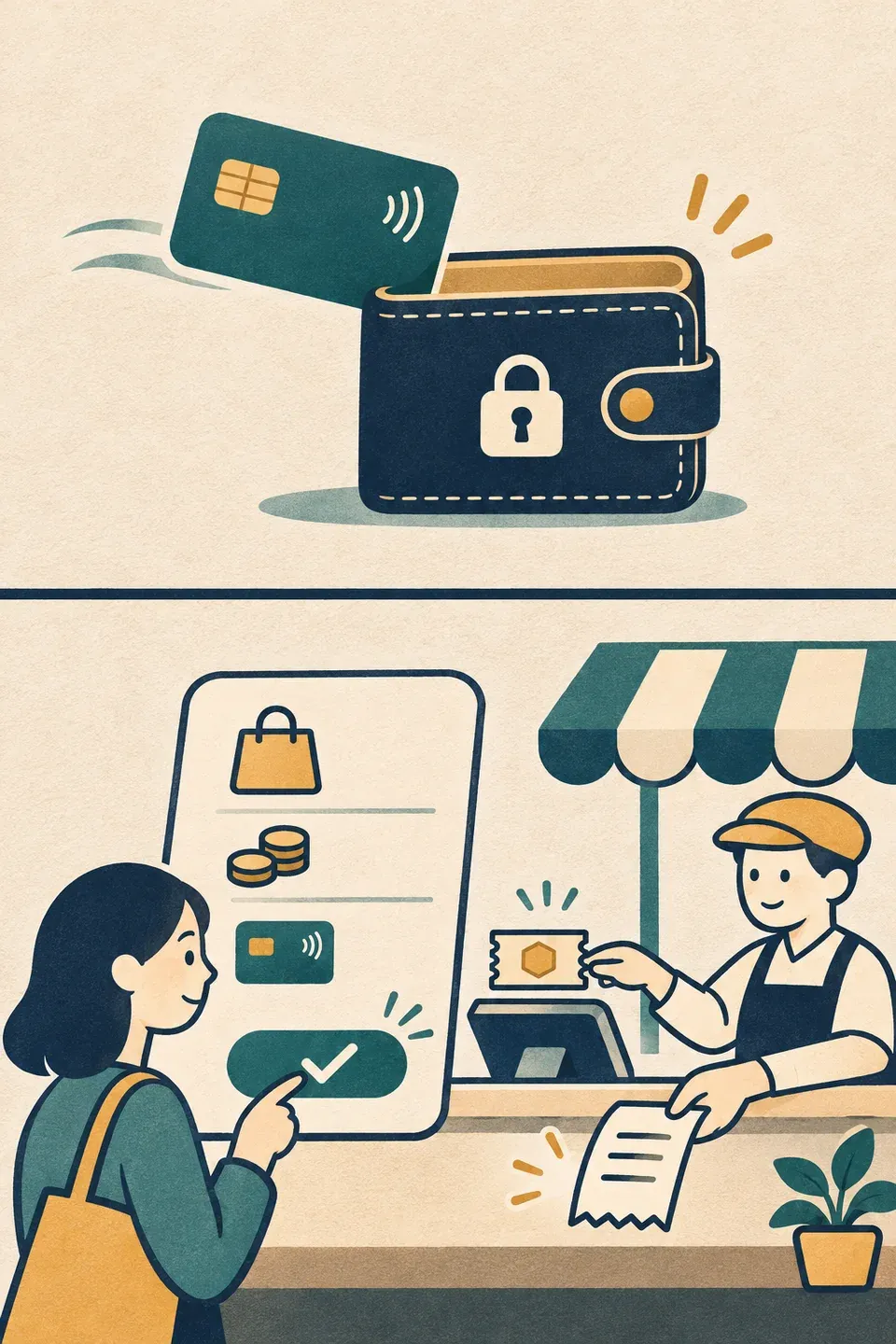
Suppose you ask your dot to check out with a notebook from a fictional stationery shop. Saving a card in Wallet means you can use it later without re-entering its details. When a purchase request appears, you review the merchant, item, total and chosen card, then approve on a supported device using a biometric check such as face or fingerprint recognition. After approval, the dot continues checkout. The payment network supplies a substitute number and the charge goes to the selected card without the agent or store receiving its original details.
The cat asks Q&A
 The researcher
If my bank verified the card during setup, has it already approved my next purchase?
Pocket NotebookThat check establishes that you’re allowed to use the card. Review the details of the next purchase request, including the merchant and total, before deciding whether to approve it.
2. Check the conversation, account and card
Eligible users may still be waiting for Wallet to appear in their accounts during the rollout. Two customers may want the same notebook and still have different access. The conversation where they ask and the card they want to use matter as well as their subscription.
| Situation | Current condition | Evidence |
|---|---|---|
| Request in a personal dot conversation in the US | Rolling out to Pro subscribers aged 18 or older who live in the US, with an eligible US-issued credit card and a US billing address | OpenAI eligibility guide |
| Request in regular Chat, Work or a standalone Codex thread | Wallet is currently unavailable in those conversations | Supported conversations |
| Save a debit card or a virtual card you already hold | These cards are unsupported at launch | Card requirements |
- Situation
Request in a personal dot conversation in the US
- Current condition
- Rolling out to Pro subscribers aged 18 or older who live in the US, with an eligible US-issued credit card and a US billing address
- Evidence
- OpenAI eligibility guide
- Situation
Request in regular Chat, Work or a standalone Codex thread
- Current condition
- Wallet is currently unavailable in those conversations
- Evidence
- Supported conversations
- Situation
Save a debit card or a virtual card you already hold
- Current condition
- These cards are unsupported at launch
- Evidence
- Card requirements
The cat asks Q&A
- The researcher
How can the store get a virtual number if I can’t save a virtual card?
Pocket NotebookThe card you save is your funding method. The virtual number is a substitute linked to that card and used when Wallet completes an approved checkout.
3. Approval is complete, but where is the order?
The fictional shop might still be processing the checkout when the approval screen closes. A conversation could also stop responding after the shop has accepted the order. Check which evidence exists before repeating the payment.
| State | Where to check |
|---|---|
| You approved the purchase | Look for the checkout result from the dot |
| Merchant acceptance is unclear | Check the merchant’s order history or confirmation email |
| A charge is pending or unrecognized | Check authorization and charge status with the card issuer |
- State
You approved the purchase
- Where to check
- Look for the checkout result from the dot
- State
Merchant acceptance is unclear
- Where to check
- Check the merchant’s order history or confirmation email
- State
A charge is pending or unrecognized
- Where to check
- Check authorization and charge status with the card issuer
The cat asks Q&A
- The researcher
If the amount appears on my card, did the shop accept the order?
Pocket NotebookCheck the card transaction and merchant order separately. If you cannot find an order or the conversation stalls, ask the merchant whether it received the order before trying to pay again.
To close
The records that tell you an order went through
The approval screen shows what you allowed. The order number or receipt shows what the merchant accepted. If the purchase includes recurring charges, read those terms before approval. OpenAI Help Center
Sources
- OpenAI’s ChatGPT Wallet announcementopenai.com
- OpenAI’s purchase and eligibility guidehelp.openai.com